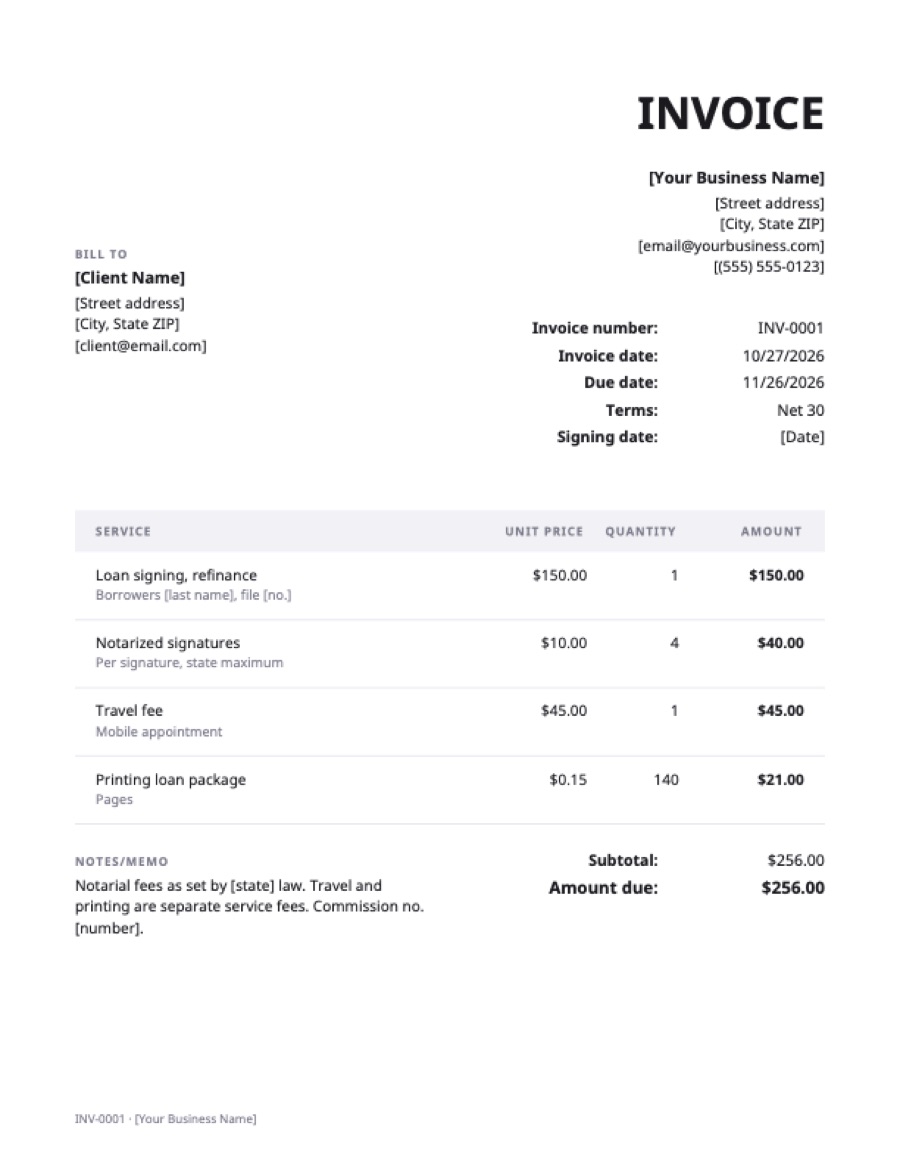
What’s on the notary invoice template
Extra fields on this template: Signing date.
| Service | Qty | Rate | Amount |
|---|---|---|---|
| Loan signing, refinanceBorrowers [last name], file [no.] | 1 | $150.00 | $150.00 |
| Notarized signaturesPer signature, state maximum | 4 | $10.00 | $40.00 |
| Travel feeMobile appointment | 1 | $45.00 | $45.00 |
| Printing loan packagePages | 140 | $0.15 | $21.00 |
| Total | $256.00 | ||
Example prices in US dollars. Replace them with your own; in the generator, any currency works.
Notary fees and what you can charge
Most US states set a maximum fee per notarial act, such as per signature or per acknowledgment, and some require travel fees to be agreed in advance and shown separately. Show notarial fees and other fees (travel, printing, after hours) on separate lines, and keep your journal entries matching the invoice. Loan signing agents usually bill a flat fee per signing to the title or signing company, with the file number on the invoice.
Frequently asked questions
Can I charge more than the state fee for a notarization?
Not for the notarial act itself where your state sets a maximum. Separate services such as travel may be allowed; check your state’s rules.
Who pays a loan signing agent?
The title company or signing service that hired you, not the borrower. Put their file number on the invoice.
Should I list each document?
List the notarial acts by count; your journal holds the document details.